Offline vs Cloud Translation: When to Choose Each
Cloud tools work fine for short, non-sensitive text. But for long documents, confidential files, or preserved formatting, offline translation is the right choice. Here is how to decide.
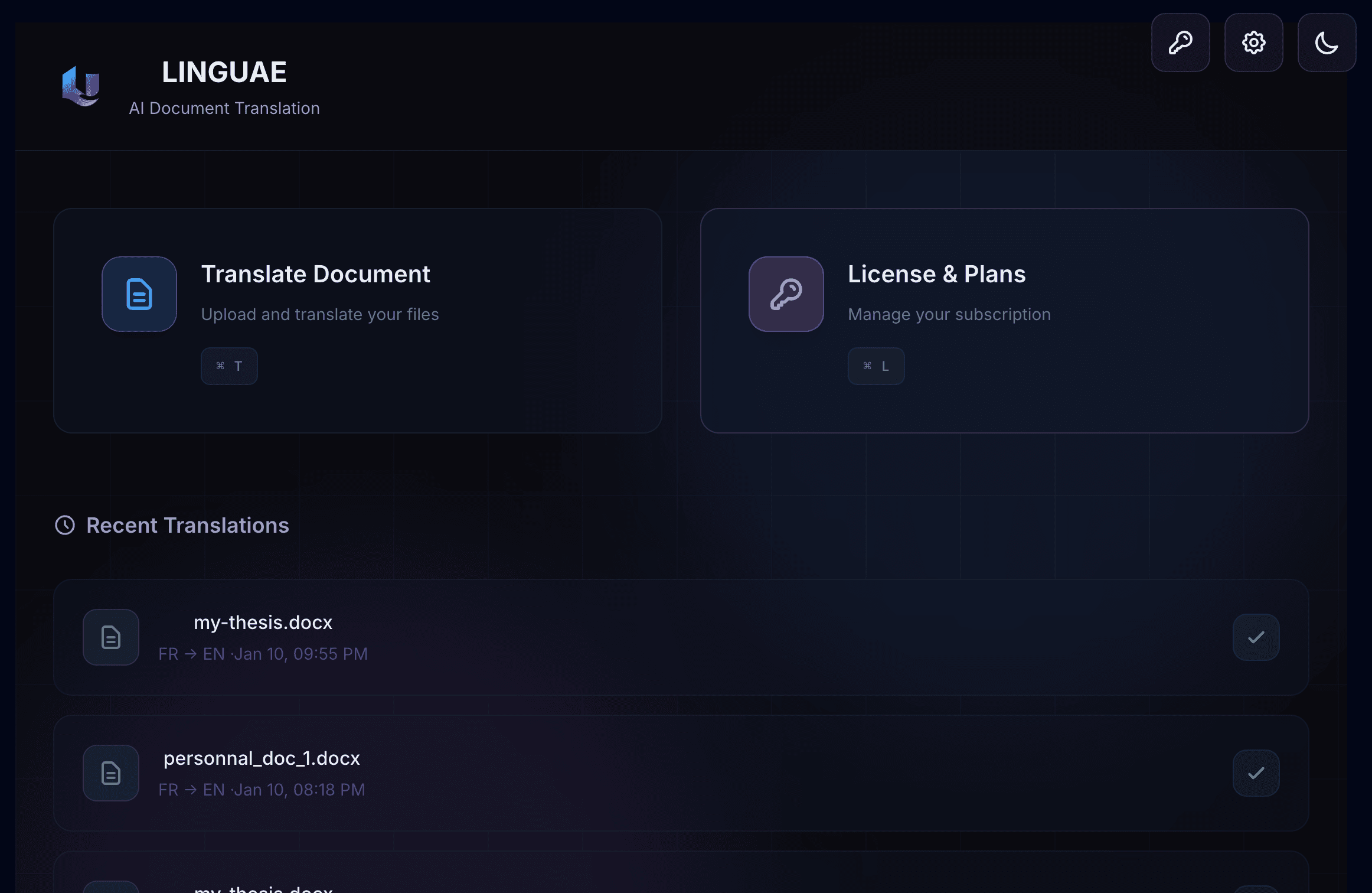
Offline Document Translation
Translate 300-page books in minutes.
Formatting preserved. Privacy guaranteed.
Available for macOS, Windows, Linux

Everything you need to translate documents without compromise
Translate 300+ page books in minutes
Perfect copy, just translated
Automated quality grading and issue detection
Your documents never leave your machine
Optimized for different document types
Faster and more secure than web
Reuse previous translations
PDF, DOCX, PPTX, XLSX, TXT, MD
Fast, Balanced, and High Precision
Translation in three simple steps. No account required, no complexity.
Get LINGUAE for free on macOS, Windows, or Linux
Drag & drop your document. PDF, DOCX, PPTX, XLSX, or TXT supported.
Select languages, click translate, download in minutes
Unlike cloud translation tools, LINGUAE keeps everything local. No uploads, no tracking, no compromises.
All translation happens on your machine. Documents never leave.
PRO users can opt-in to share usage stats. FREE users: zero tracking.
Your document content always stays local. No exceptions.
| Data Type | Location |
|---|---|
| Document content | Local |
| Translation models | Local |
| Translation memory | Local |
| Glossaries & settings | Local |
| Usage stats (PRO opt-in only) | Opt-in |
PRO users can optionally share translation count and language pairs to help improve the product.
Start free, upgrade when you need more.
Perfect for trying LINGUAE
Unlimited translation power
For organizations & teams
All plans available in-app. Start free, upgrade anytime.
View detailed pricing comparisonDownload LINGUAE today. Start translating documents offline with privacy and precision.